
Name-Based Honolulu Case Searches
No Case ID? Use eCourt Kōkua Party Search. The person search needs a last name and a first name before it will run. Adding a middle name, filing dates, or case type cuts down false matches. Phonetic Search catches names that sound alike. Partial Search works with incomplete spellings. Business/Government Agency and Party ID sit apart as their own modes.
- Open the Judiciary's eCourt Kōkua entry page, read the disclaimer, complete reCAPTCHA if asked, and select Accept.
- Choose Party Search and the Name Search tab.
- Enter last and first name, then add a middle name or date and case-type filters if useful.
- Try Phonetic or Partial Search when spelling is uncertain.
- Open a likely result and verify its court, location, parties, and filing date before relying on it.
| Field | Type | Required | Use |
|---|---|---|---|
| Last Name | Text | Yes | Pair with first name. |
| First Name | Text | Yes | Current manual marks it required. |
| Middle Name | Text | No | Narrows similar names. |
| Phonetic Search | Checkbox | No | Finds sound-alike forms. |
| Partial Search | Checkbox | No | Finds incomplete text. |
| Filing Dates | Date | No | Narrows results by filing period. |
| Case Type | Dropdown | No | Limits the case category. |
Honolulu eCourt Kōkua Search Paths
One page answers the coverage question. The official eCourt Kōkua access page spells out which case types the system covers: District, Circuit, adult Family, Land, Tax Appeal, appellate, and traffic matters.
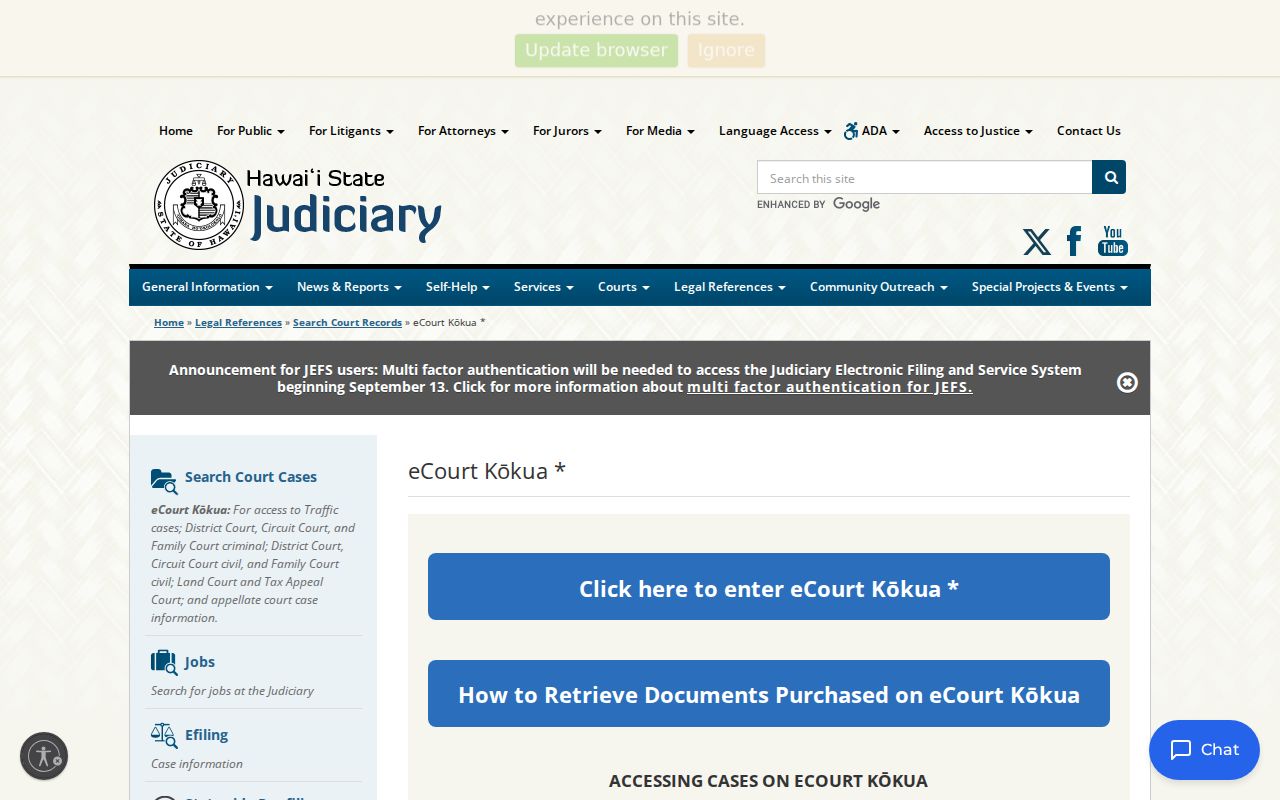
Searching is public. No JEFS account is needed. Pick the route that fits what you already know: Party Search, Vehicle Search, Case Search, Upcoming Court Hearings, or View/Purchase Documents.
Party Search suits a person or an organization. Case Search takes a Case ID plus identifiers like Application, Arrest, TCT, OTN, or SID numbers where the record carries one. Vehicle Search matches a plate and state or a VIN in traffic cases. Upcoming Hearings is all about dates. Filing Date Search browses filings by court, location, room, case type, and a date window.
Honolulu Case Number Searches
Type a current JIMS number with its hyphens, as in 1CPC-17-1 or 1CCV-19-1. The opening 1 marks the First Circuit. CPC and CCV mark the criminal and civil case families. The next segment gives the year, and the trailing segment is the sequence. The portal tolerates dropped leading zeroes in the newer format. Older migrated cases can demand a 12-character form. That means First Circuit number 1. It also means the case type, and enough leading zeroes ahead of the sequence. An old paper might print CR-15-1 in a shape the portal rejects. Follow the official conversion instructions, then confirm the party names and court that come back. Let the clerk find the file rather than forcing a guessed format.
Partial and Phonetic Honolulu Searches
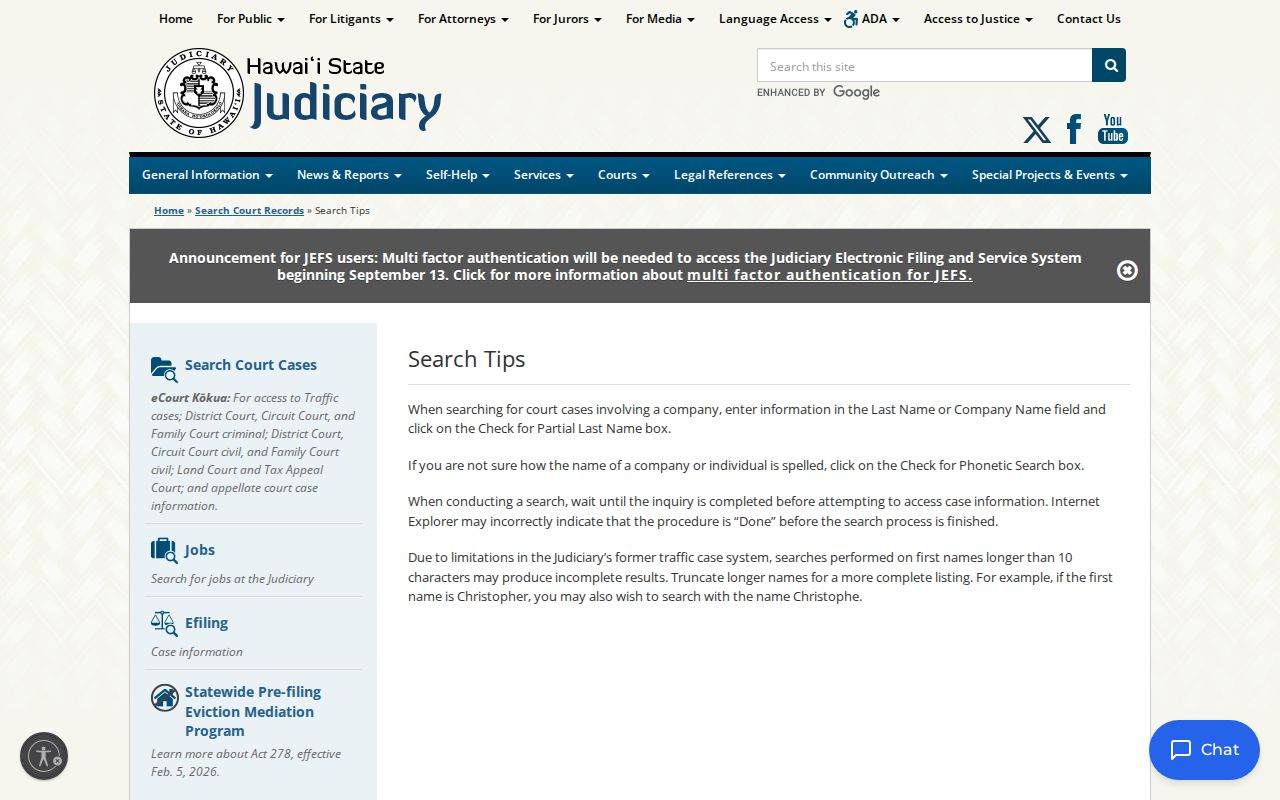
Partial and phonetic tools fix different problems. Partial Search helps when only part of a spelling is known. Phonetic Search reaches names that sound alike. Begin with exact text, then widen one control at a time; opening both at once blurs people with similar names. For local guidance on the record system, the official Judiciary search tips are the place to look.
One tool beats them all when you have it. Party ID ties a result to the Judiciary's own identifier instead of a mere spelling.
Honolulu Case Search Results Explained
Open Summary first. It identifies the case and points to Related Cases after a transfer or an appeal. Next, compare Events with Dockets. Events are settings and outcomes, while Dockets list filings, minutes, masks, and linked PDFs. Keep a caution in mind. A filed motion entry is only a request, not a ruling that it was granted.
| Case ID | The First Circuit or other Hawaiʻi Judiciary identifier. |
|---|---|
| Case Type | The civil, criminal, family, traffic, land, tax, or appellate category. |
| Status | A case-level label, not the outcome of each charge or filing. |
| Filed Date | The date the matter entered the court record. |
| Court and Location | The court level and First Circuit site holding the matter. |
| Parties | Names, roles, Party IDs, aliases, and attorney associations where public. |
| Events | Past and future settings shown newest first. |
| Dockets | Entries, minutes, and a PDF icon where a document can be bought. |
| Offenses | Criminal charges; this tab is absent from civil cases. |
When a database field disagrees with the filed document, read the document. Hawaiʻi Court Records Rule 4 makes the filed document control unless a court decides otherwise.
Honolulu Search Limits and Load More
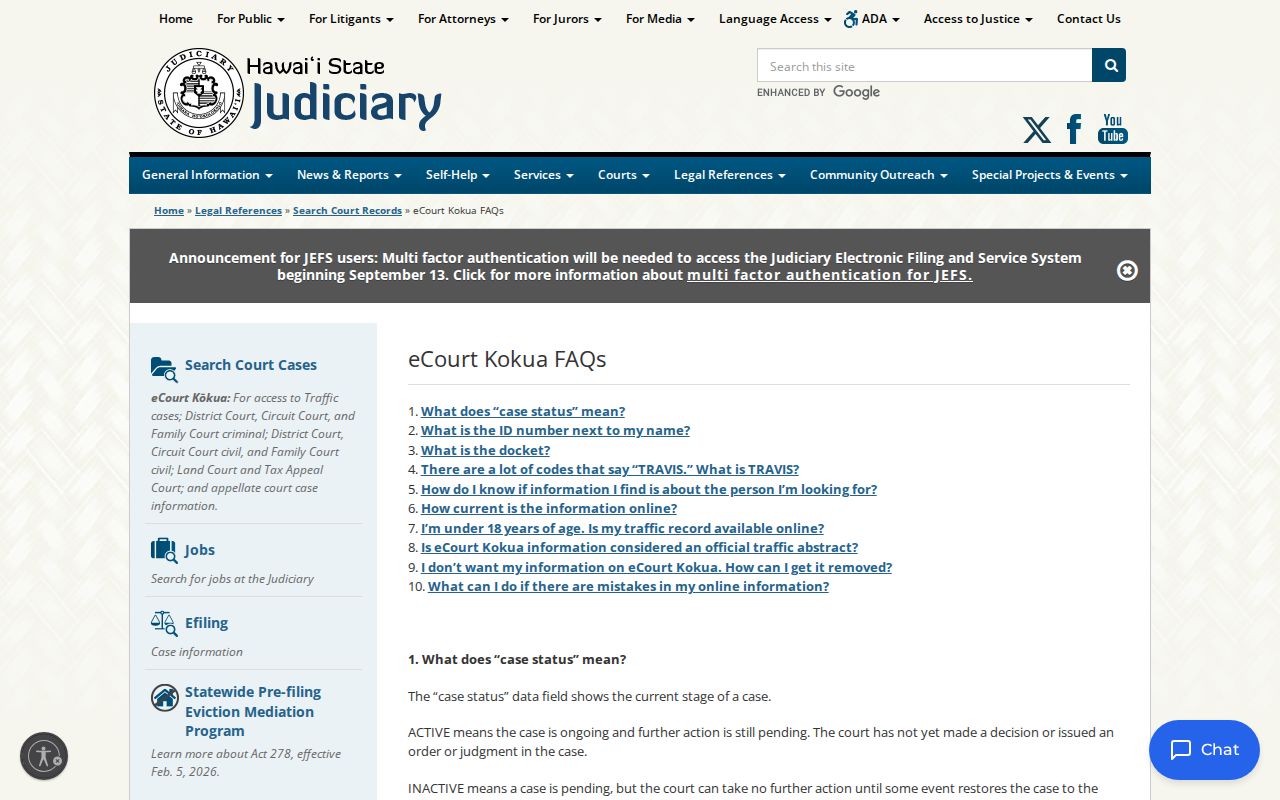
Results show 20 rows by default, adjustable through Show. The system returns up to 200 at a time. Hit Load More for the next batch rather than treating the first 200 as everything. Filing Date Search caps its span at 60 days. A wider span triggers the stated error that the date range is greater than 60 days. The official eCourt Kōkua FAQs cover search and docket access questions.
For long spans, split the period into adjacent 60-day searches. Keep court and case-type filters consistent, and use Printable View to save each working list.
Two Ways to Search: County and State
Honolulu County runs no portal of its own. The "statewide" route and the local First Circuit route both run through eCourt Kōkua. The difference is scope. A broad party search can reach participating Hawaiʻi courts, while a local search narrows to First Circuit, Oʻahu locations, or a known First Circuit Case ID.
| Statewide layer | Honolulu County layer |
|---|---|
| Searches across covered Hawaiʻi court types and circuits. | Uses the same portal with First Circuit and Oʻahu filters. |
| Best when the filing circuit is unknown. | Best when the case belongs to an Oʻahu court. |
| Can return same-name results from other islands. | Location, case type, date, or Case ID narrows the result. |
JEFS plays a different role entirely. It handles filing and service for registered participants, while eCourt Kōkua stays the public window for searching and buying documents.
Honolulu JEFS Is Not Public Search
The Judiciary Electronic Filing and Service System page documents JEFS as the filing channel.
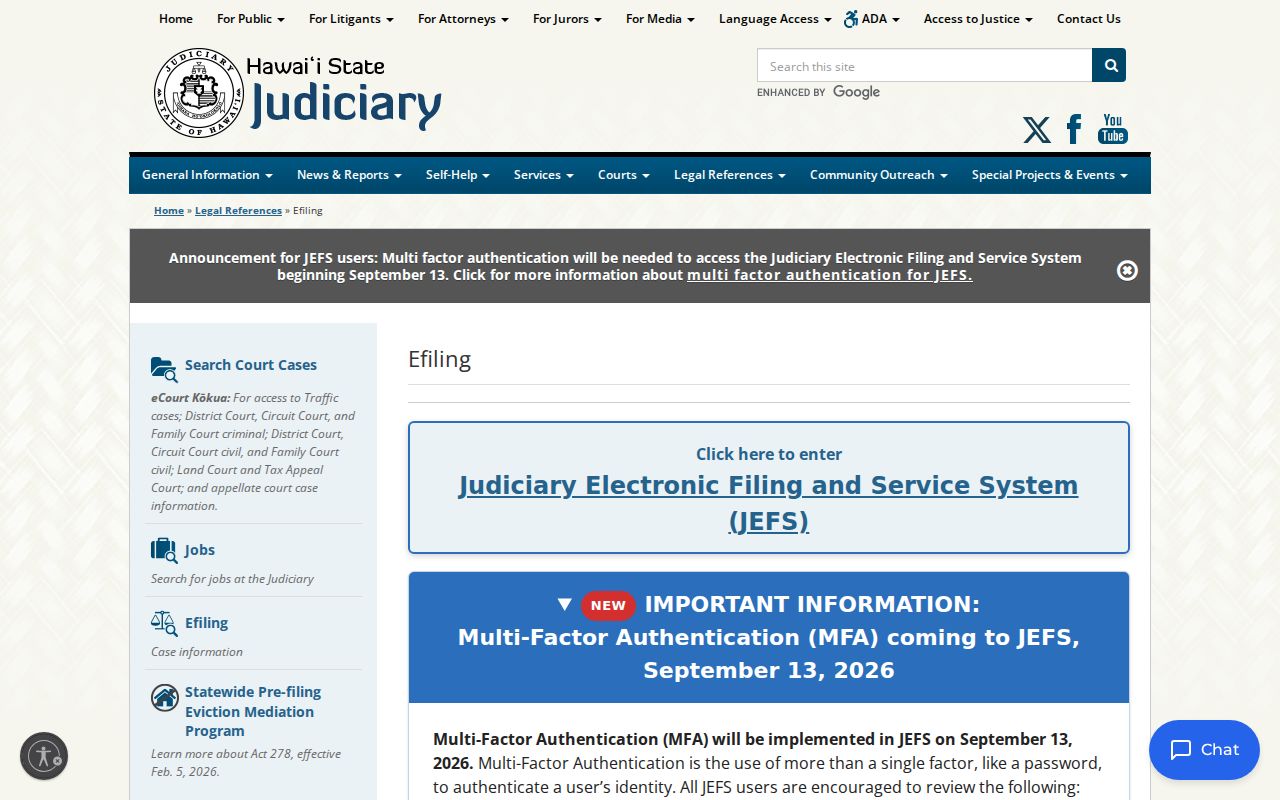
Public search needs no JEFS login. Lawyers and parties use JEFS for their filed matters. The public uses eCourt Kōkua, with JIMS as the case-management system under both. Access changed in stages. eCourt Kōkua replaced CourtConnect in 2010. Circuit and adult Family criminal matters migrated in 2017. District and Circuit civil filing moved into JIMS in 2019, and Family civil documents followed in 2022. A visual refresh in May 2026 made the portal more accessible. It did this without touching its core search routes.
Valid Honolulu Case, Missing PDF
A docket row can be perfectly valid without a PDF icon. The icon may simply be absent. Honolulu online case images do not exist before certain migration dates. District civil filings stop before October 7, 2019. Circuit civil stops before October 28, 2019. Land and Tax Appeal stops before November 18, 2019. Family civil stops before April 25, 2022. The paper or microfilm version may still sit in a courthouse file. So a missing image is not a missing case.
Work down the access chain. Search eCourt Kōkua first. Then inspect a courthouse terminal. You can also call the right Legal Documents Branch, visit its counter, or submit the First Circuit in-person or written HCRR form. Circuit records go through Kaʻahumanu Hale Legal Documents at 808-539-4300. District records use the Honolulu or a rural division, with Honolulu help at 808-538-5629. Family records use Kapolei at 808-954-8310. Written requests may be mailed, faxed, or emailed as directed. You will be invoiced for prepayment. Portal help sits at 808-539-4909 or pao@courts.hawaii.gov.
Which Honolulu Cases Stay Restricted
Some Honolulu cases never appear in eCourt Kōkua at all. Confidential, juvenile, and sealed cases stay out of the public docket search. Hawaiʻi Court Records Rule 10.1 presumes public access. Yet statutes, court rules, and court orders can override that presumption. HRS §571-84 shields juvenile dockets and files. Even a public case may hold a sealed or in-camera entry. Its PDF cannot be purchased.
Expungement is not sealing. Under HRS §831-3.2, a qualifying expungement order lets the Judiciary seal or remove information from public electronic databases, subject to exceptions. And a missing result is not always restriction. It can come from old-number formatting, a spelling mismatch, or the wrong court filter.
No Result Does Not Prove No Case. Check spelling, use Partial or Phonetic Search, convert an old Case ID, and contact the correct clerk.
Only an authorized person or someone with a court order can obtain records that the law keeps nonpublic.
Honolulu eCourt Search Since 2010
The Judiciary's eCourt Kōkua launch account records the move away from CourtConnect.
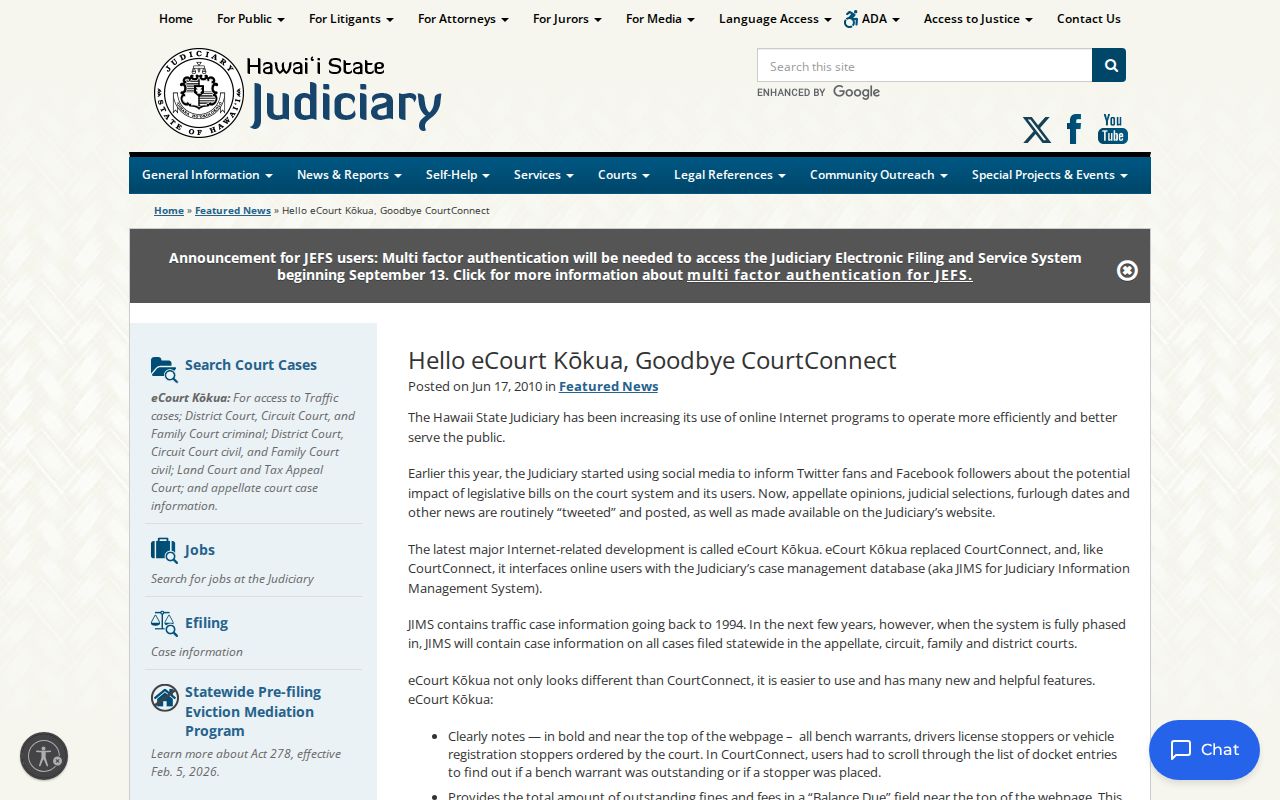
When the portal launched, it brought plate and VIN searches, linked people and Party IDs, combined hearing access, and prominent traffic information. Those early choices explain why today's Honolulu docket search offers so many modes. The practical rule has barely moved since: find the case in the index first. Then lean on the filed record and the clerk whenever accuracy or certification matters. Searching is free. Document purchase and clerk services may carry the fees set by court rule.